Does thinkorswim have a trading journal?
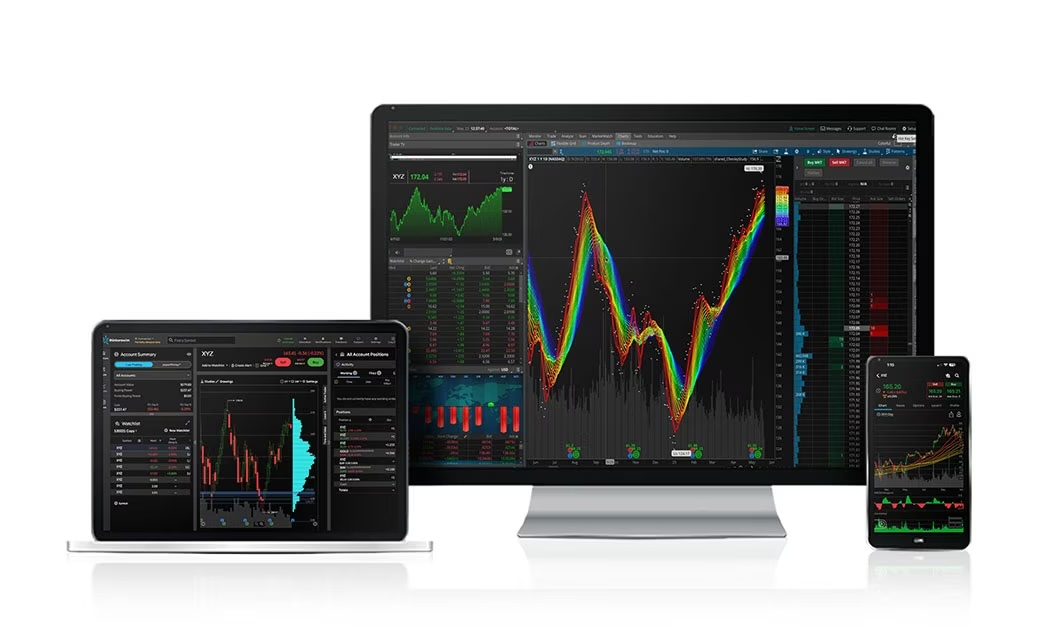
Thinkorswim (TOS) does not have a full, dedicated trading journal built in. It lets you see past trades and basic account history, but it does not give you a structured journal with tags, notes, R multiples, and behavior tracking. For that, most active traders use an external journal like TradeResona, which is fully compatible with Thinkorswim.
What Thinkorswim actually offers
Thinkorswim has good tools for:
Order entry and charting
Strategy testing and paper trading
Trade history and account statements
You can:
View fills and past orders
Export activity to CSV
See profit and loss for the day or position
But it does not give you:
Trade by trade notes and tags
R multiple calculations
Mistake tags like “FOMO” or “revenge”
Setup tracking (breakout, pullback, etc.)
Behavior analysis (overtrading, time of day performance)
So TOS is strong for execution and tracking money movements, but weak as a true “journal.”
What a real trading journal should include
A proper trading journal is more than a transaction list. It should help you answer:
Which setups make me money
Which setups bleed slowly over time
What time of day I trade best
What mistakes cost me the most
How my average win and loss compare
To do that, you need:
Per trade entries with notes
Tags for setups and mistakes
R multiple calculations
P L by tag, ticker, session, and timeframe
A clear equity curve and stats dashboard
That is what tools like TradeResona are built for.
Using Thinkorswim with TradeResona
Since Thinkorswim does not have a full journal, the usual workflow is:
Trade on TOS as normal
Stocks, options, futures, etc.Export or sync your trades into TradeResona
TradeResona is fully compatible with Thinkorswim data. You can get your trades out of TOS (via statements or exports) and into TradeResona, so you do not have to log everything by hand.Review and tag inside TradeResona
Once your trades are in, you can:Tag setups: “Breakout,” “Pullback,” “Reversal,” “Trend,” etc.
Tag mistakes: “Chase,” “No Stop,” “Too Big,” “Revenge.”
See equity curves and stats by strategy or by account.
TOS does the execution and charts.
TradeResona does the journaling and deep review.
Why TOS alone is not enough for serious review
If you only look at Thinkorswim’s built-in history, you will see:
How much you made or lost
Which symbols you traded
Your current positions
It will not clearly show:
Your real win rate per setup
How much you lose when you break your rules
Whether morning trades beat afternoon trades
Whether your “favorite” pattern actually works
Most traders are shocked when they see this data properly for the first time. Often, the setups they “like” are not the ones paying the bills.
A structured journal like TradeResona turns noisy fills from TOS into a clean performance report.
Example workflow: Thinkorswim + TradeResona
Here is what a simple routine can look like.
During the session (on TOS)
Execute trades on Thinkorswim
Respect your stop and position size rules
Focus on your plan
After the session (in TradeResona)
Pull your trades from TOS into TradeResona
Tag each trade with:
Setup (e.g. “Opening Range Breakout”)
Mistake (if any)
Timeframe or session tag
Review:
P L by setup
P L by symbol
Distribution of R multiples
Equity curve for the week/month
Over time, this shows you:
Which Thinkorswim strategies to keep
Which strategies to size up
Which bad habits to kill
Swing, day, and futures traders on TOS
Thinkorswim is popular with:
Day traders (especially options/scalpers)
Swing traders in equities and options
Futures traders using /ES, /NQ, etc.
All of them can use the same TradeResona pipeline:
Trade on TOS
Journal and analyze in TradeResona
Adjust strategy based on actual stats
This is easier than trying to build and maintain a huge Excel sheet just to track your Thinkorswim trades.
Summary
Thinkorswim does not include a full trading journal. It has trade history and basic account reporting, which are useful, but it does not give you structured journaling with tags, notes, R multiples, and behavior analytics. If you want to seriously improve and treat trading like a business, you will need a dedicated journal. TradeResona is fully compatible with Thinkorswim, so you can trade on TOS, then send your trades into TradeResona to start tracking your trades today with real stats, tags, and a clean dashboard built for active traders.